
How to Start a Shopify Store: 10 Steps for 2026
How to start a Shopify store in 10 steps: niche, plan, products, theme, payments, shipping, legal pages, testing and launch.
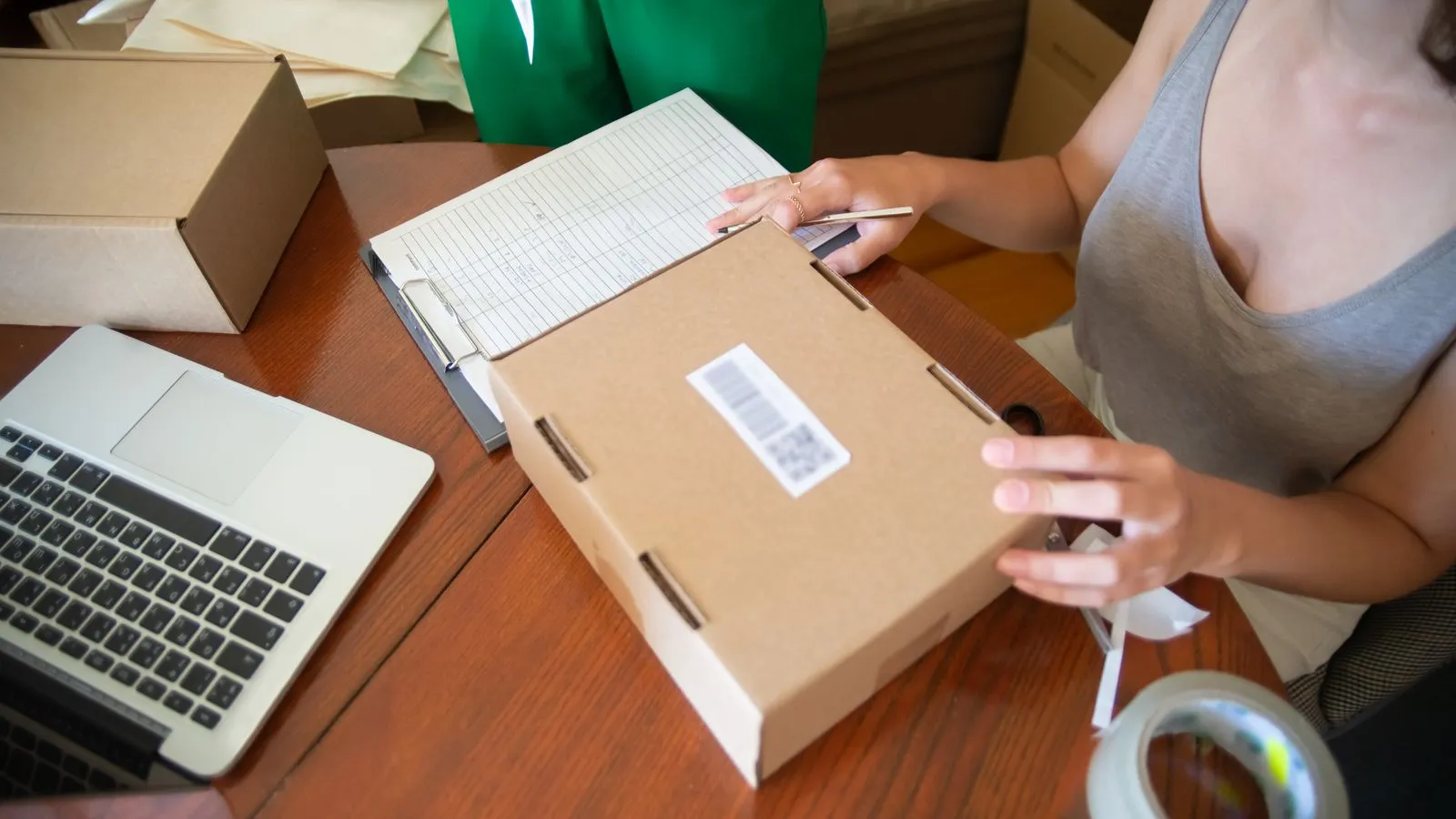
Quick answer: To start a Shopify store, choose a niche and products, sign up and pick a plan, add products, choose and customise a theme, set up payments, shipping and taxes, add legal pages and launch. Then focus on traffic and conversion.
Step-by-step
- Pick a niche and product. Look for demand you can serve and margins that work.
- Choose a store name and domain. Keep it short, memorable and available.
- Create your Shopify account and select a plan. Check Shopify’s pricing page for current options. See how much Shopify costs.
- Add products with clear photos, original descriptions, prices and variants.
- Choose a theme and customise it. See how to choose a Shopify theme.
- Set up payments. Offer cards, wallets and local methods. See payment methods.
- Configure shipping and taxes for the countries you serve.
- Add key pages: About, Contact, Shipping, Returns, Privacy and Terms.
- Test a full order on desktop and mobile.
- Launch and promote through search, email, social and ads.
Before you launch: checklist
- ☐ Product photos and descriptions complete
- ☐ Payments, shipping and taxes tested
- ☐ Policies published
- ☐ Analytics connected
- ☐ Mobile checked
- ☐ Cookie consent set up if you sell to EU or UK visitors
After launch
Traffic does not convert by itself. Use the CRO audit checklist and the Shopify CRO guide to improve results, and set up SEO early with the Shopify SEO guide.
Need a store built or improved? See Shopify store design or contact me.
Frequently asked questions
How do I start a Shopify store?
Choose products, create an account, add products, pick a theme, configure payments and shipping, add legal pages and launch.
How long does it take to set up a Shopify store?
A simple store can be built in days. A polished, branded store takes longer.
Do I need coding skills?
No for basic stores. Custom features need a developer.
Can I sell internationally?
Yes. Use Shopify Markets for currencies, languages and local pricing.
What should I do after launch?
Drive traffic, track results and improve conversion with testing.
Ready to turn more visitors into customers?
Send your store URL and I will tell you what is costing you sales.
Get a free CRO audit